New features: Add custom criteria, edit/remove criteria
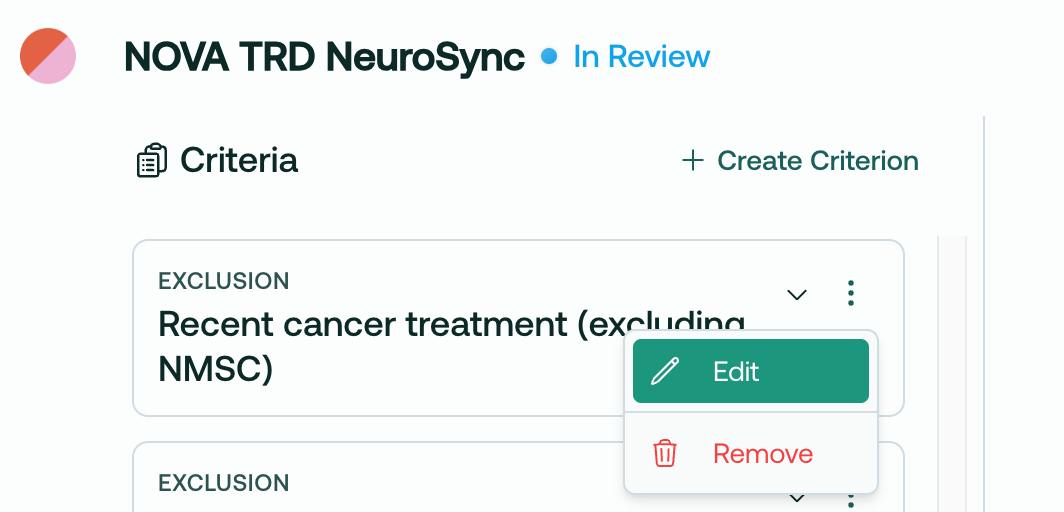
Trially Site Admins and Admins can now edit, remove and add custom I/E criteria!
Overview
Upload your protocol document
Wait 2-4 minutes for the AI to parse and process the document
Open the protocol in the Main page
Review the AI-parsed criteria
Edit criteria, remove unwanted criteria, and add custom criteria
Voila! Finalize your review by sending the protocol to the matching engine!
This process allows you to customize your recruiting plan before patient matching begins.
Details
When you upload a protocol, it will take 2-4 minutes to process into the system, and then be marked as In Review:
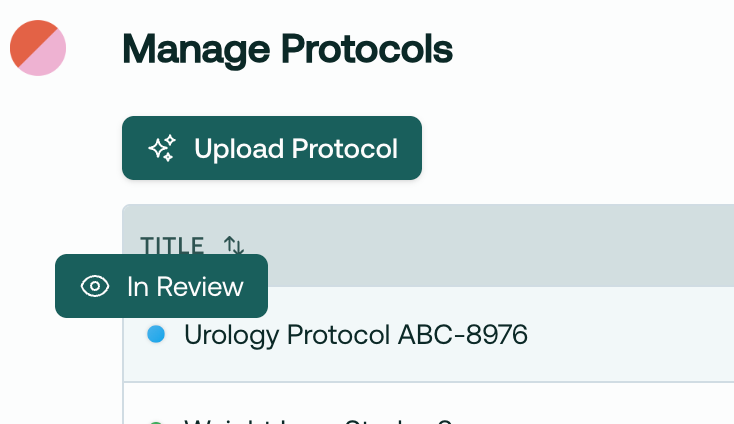
Then, simply hop over to the Main page and select this protocol. You will have the option to edit, remove, and add criteria to customize your recruiting plan on the main page.
Remove criteria
Say we’ve identified an I/E criteria that we know can’t be found in the patient’s chart, like this one:
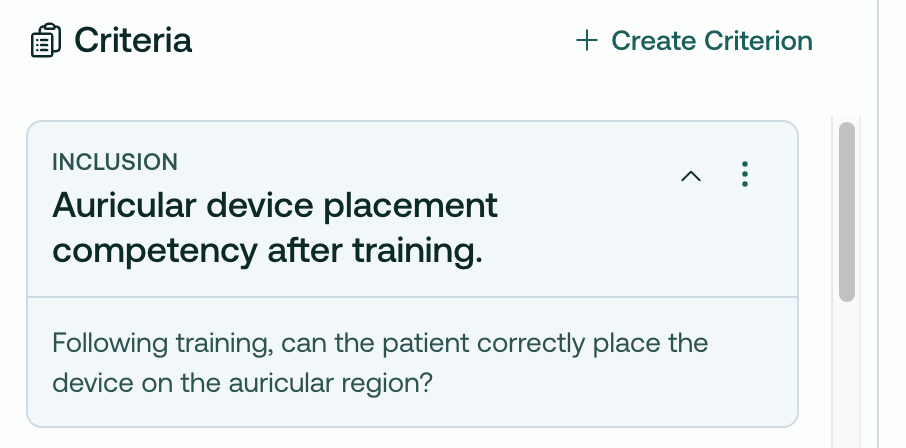
We can simply remove it:
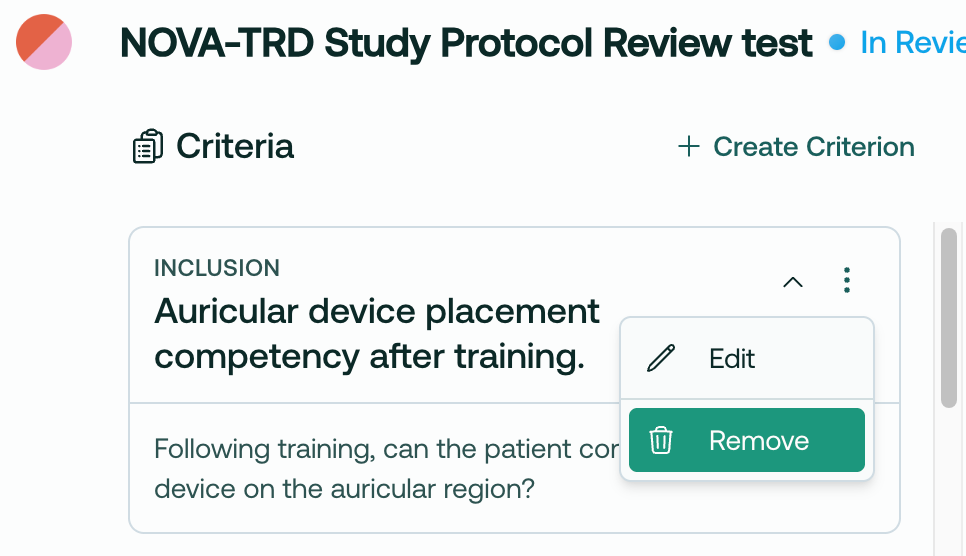
This cleans up your recruiting view, and also prevents the AI from attempting to match against impossible criterion.
Edit criteria
Or, imagine you’d like to edit a criteria. BMI can change, so you may want to loosen this, knowing you will get an up-to-date measurement at a future in-person visit:
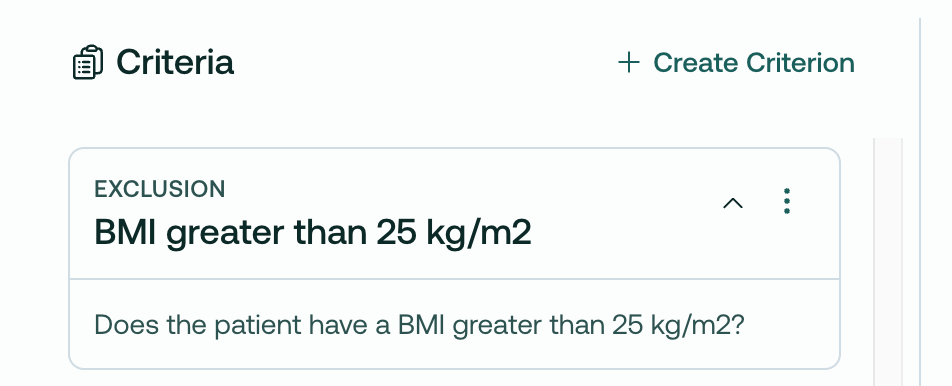
You can edit it directly in the app, like so:
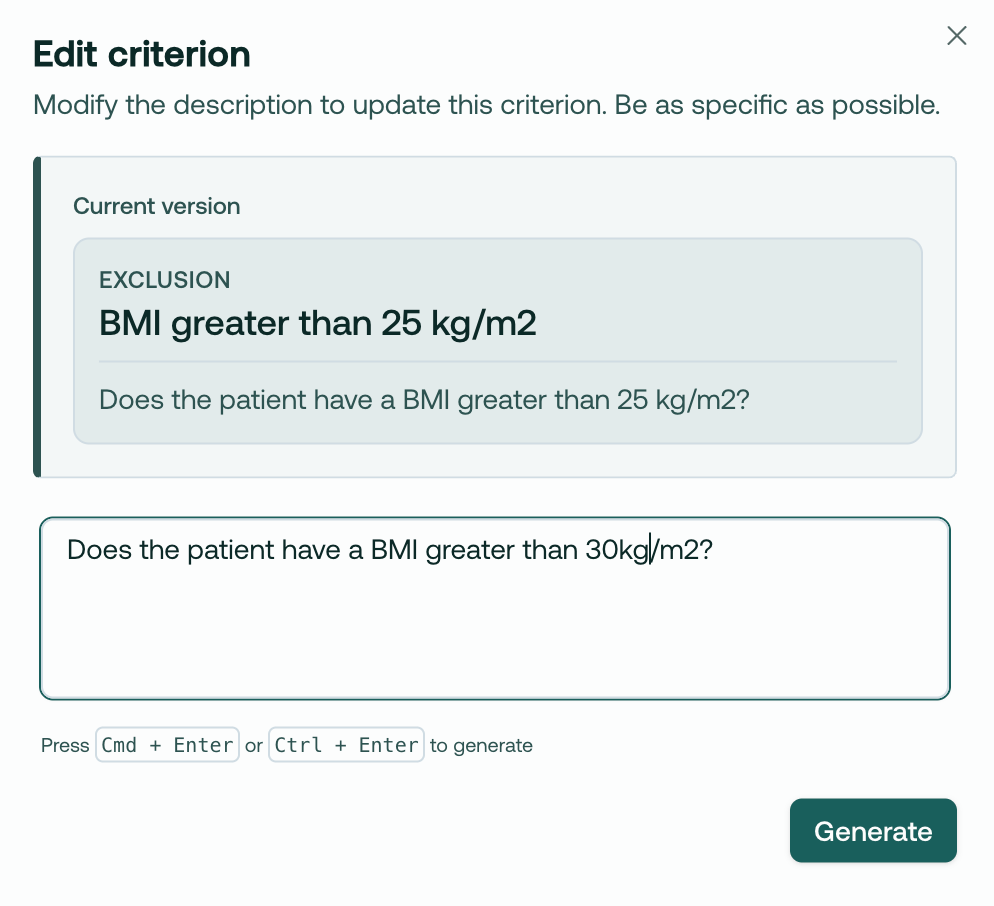
Create custom criteria
You can now add custom criteria to any protocol!

Simply click Create Criterion, then type in whatever criteria you want.
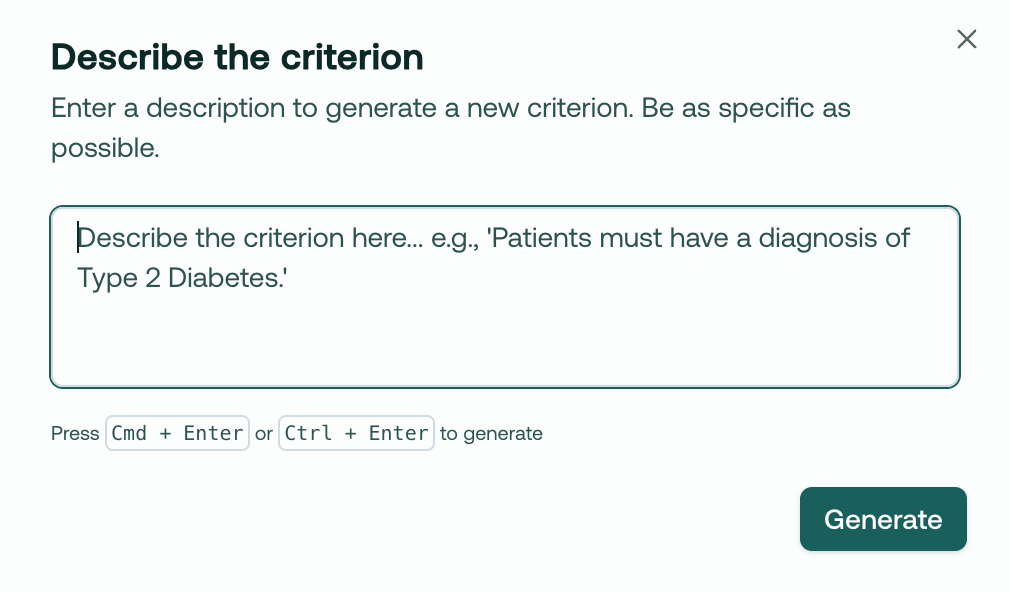
Our AI will create a valid I/E criteria based on your text:
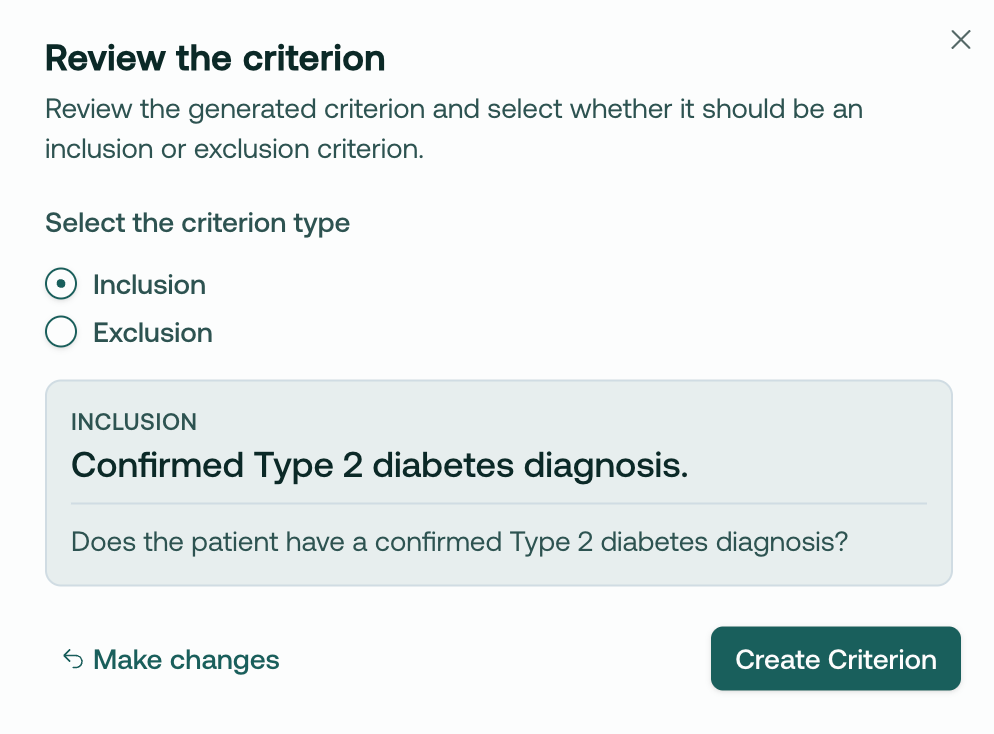
Complete the review, and begin matching!
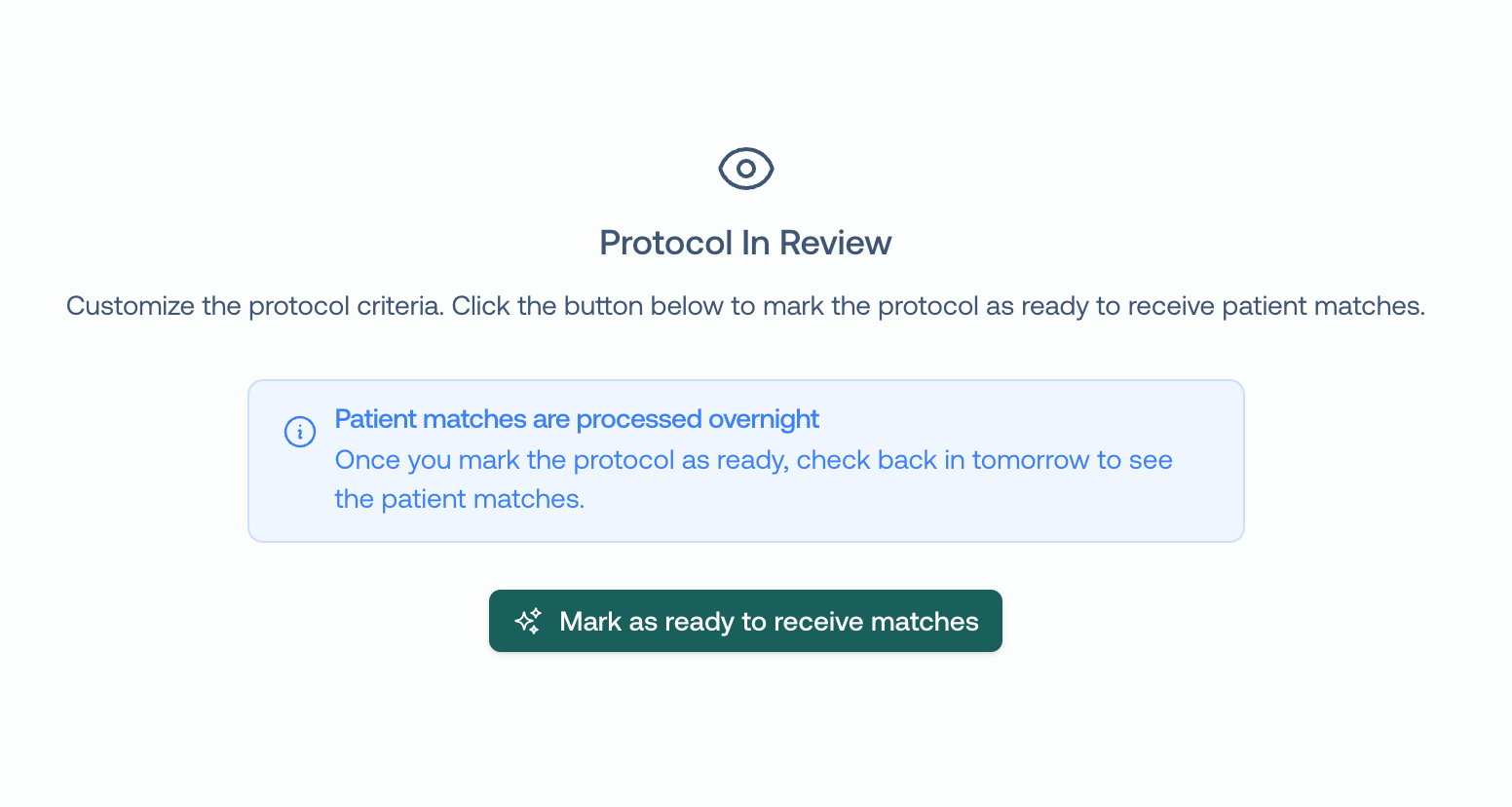
After you have successfully reviewed the protocol and are ready to match, click Mark as ready to receive matches. This will kick off the matching engine to begin finding patients that match your criteria! Right now, this is an overnight job, but later this month you will have matches streaming right away.
We hope this is a big unlock for your team’s ability to flexibly recruit for studies. We’d love to hear how you’re using it!
~Trevor @ Trially
Respond to this email, or book time with us here if you have any questions or would like a demo for your team.